
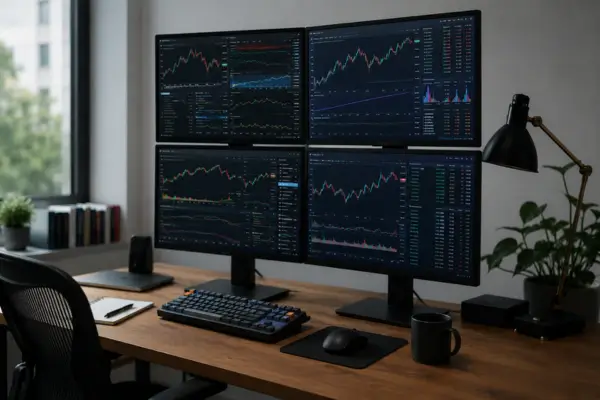
Anyone who works with data analysis, financial markets, or any role that demands tracking a lot of information at once knows this feeling well: the screen never feels big enough. You’re constantly switching windows, minimizing one tab to open another, losing track of the chart you needed because it disappeared behind a spreadsheet. For years, …
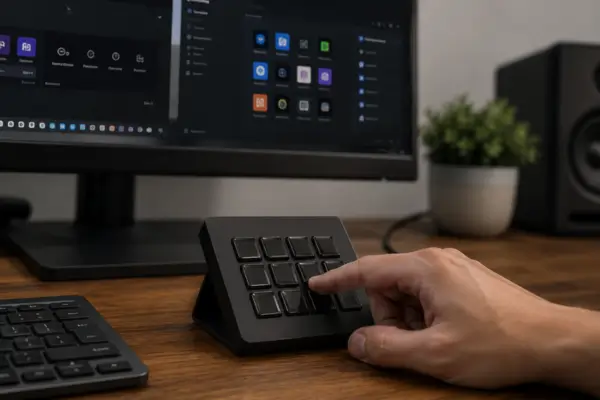
If you’ve made it here after reading about programmable keypads, you’ve probably landed on one very specific question: okay, I get the idea — but how do I make this macropad work? That’s exactly the part most content on this topic skips. Plenty of articles cover what the device can do, but almost none explain …
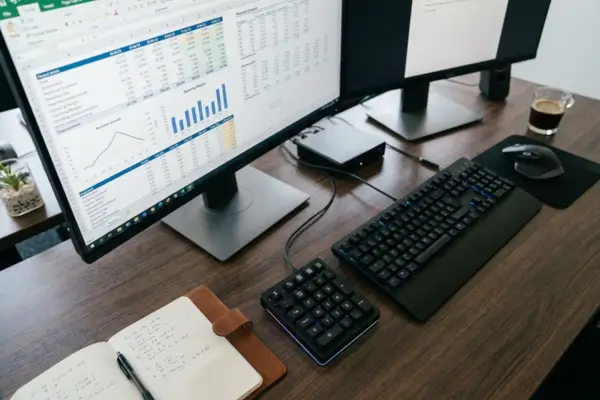
If you work with numbers all day — spreadsheets, reports, financial systems, anything that involves typing the same kind of data over and over — you’ve probably felt that subtle fatigue that’s hard to put into words. It’s not pain. It’s not an injury. It’s constant friction: the hand that has to reach somewhere else, …
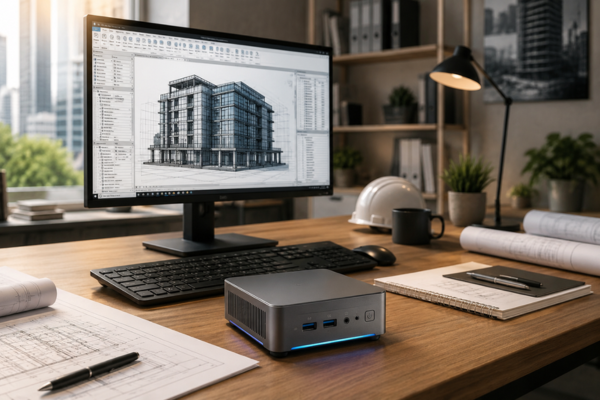
Over the last few years, a quiet shift has started to appear on architecture office desks. Computers about the size of a thick book have begun replacing primary workstations rather than serving as secondary machines. Models such as the Beelink SER7 and ASUS NUC 14 Pro have become deliberate choices for professionals who use Revit, …

Teaching online has changed quietly but dramatically, moving far beyond simply turning on a webcam and sharing a few slides. What once passed as a temporary digital workaround now requires a level of professionalism much closer to modern content production. One of the biggest challenges for educators working from home is breaking through the screen …

There’s a contradiction in the daily routine of architects and engineers that rarely gets discussed. These professionals spend hours designing three-dimensional objects — with depth, volume, faces, and angles — yet they navigate those objects using a flat device that only reads two axes of movement and was originally built for a world of windows, …
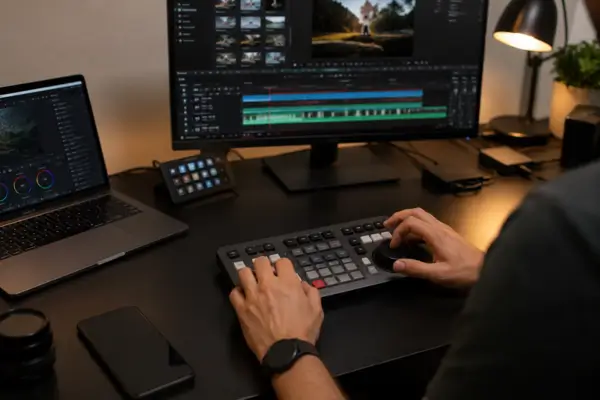
Over the past few years, creative work has increasingly moved into home offices. Designers, photographers, and video editors started building their careers from compact bedroom setups, often relying on nothing more than a laptop, a mouse, and a keyboard to handle every stage of the process. Over time, though, that kind of setup began revealing …

You bought it, set everything up, joined your first call feeling optimistic — and someone still said, “There’s a lot of background noise on your end.” That’s frustrating, especially when the headset was expensive and supposedly designed to solve exactly that problem. The good news is that there is a solution. The less exciting news …
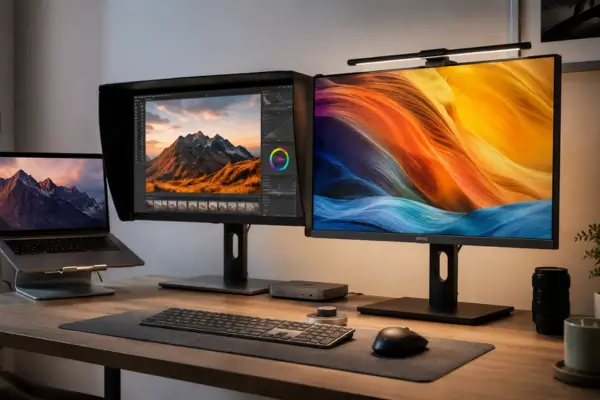
The home office has changed dramatically over the past few years. For many professionals — especially designers — remote work is no longer just a temporary solution. It has become the true center of creativity and productivity. As workspaces continue to evolve, the search for tools that genuinely improve quality and efficiency becomes increasingly important. …
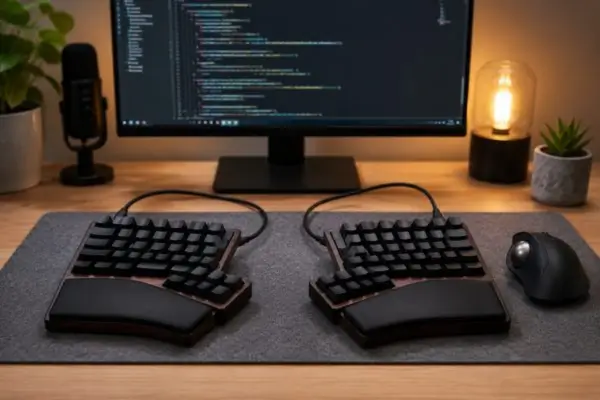
For years, home office setups evolved mostly around ergonomic chairs, ultrawide monitors, and adjustable desks. But for many developers, one of the most meaningful changes started with a tool they use thousands of times every single day: the keyboard. Even though programmers spend hours writing code, moving between files, and relying on constant key combinations, …